The following tutorial describes a very quick change of the terminal that starts by default on Ubuntu 20.04
The following tutorial describes a very quick change of the terminal that starts by default on Ubuntu 20.04.
The following tutorial describes a very quick change of the terminal that starts by default on Ubuntu.
The following tutorial describes a very quick change of the terminal that starts by default on Ubuntu:
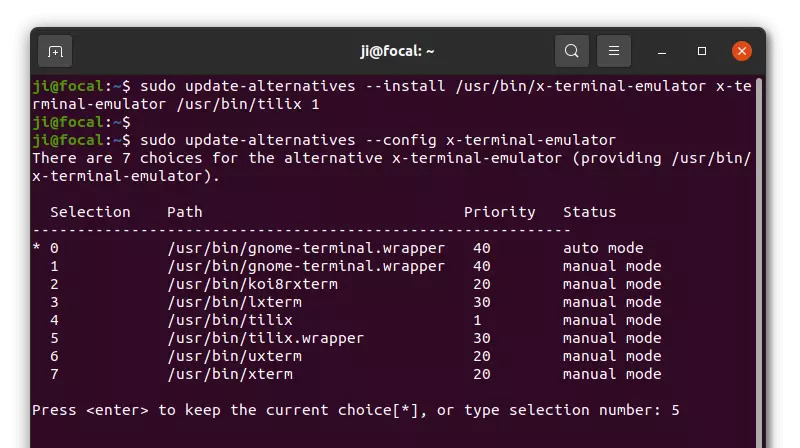
1 | sudo update-alternatives --config x-terminal-emulator |
The following tutorial describes a very quick change of the terminal that starts by default on Ubuntu:
The following tutorial describes a very quick change of the terminal that starts by default on Ubuntu





