
OpenVPN client installation on Ubuntu 18.04
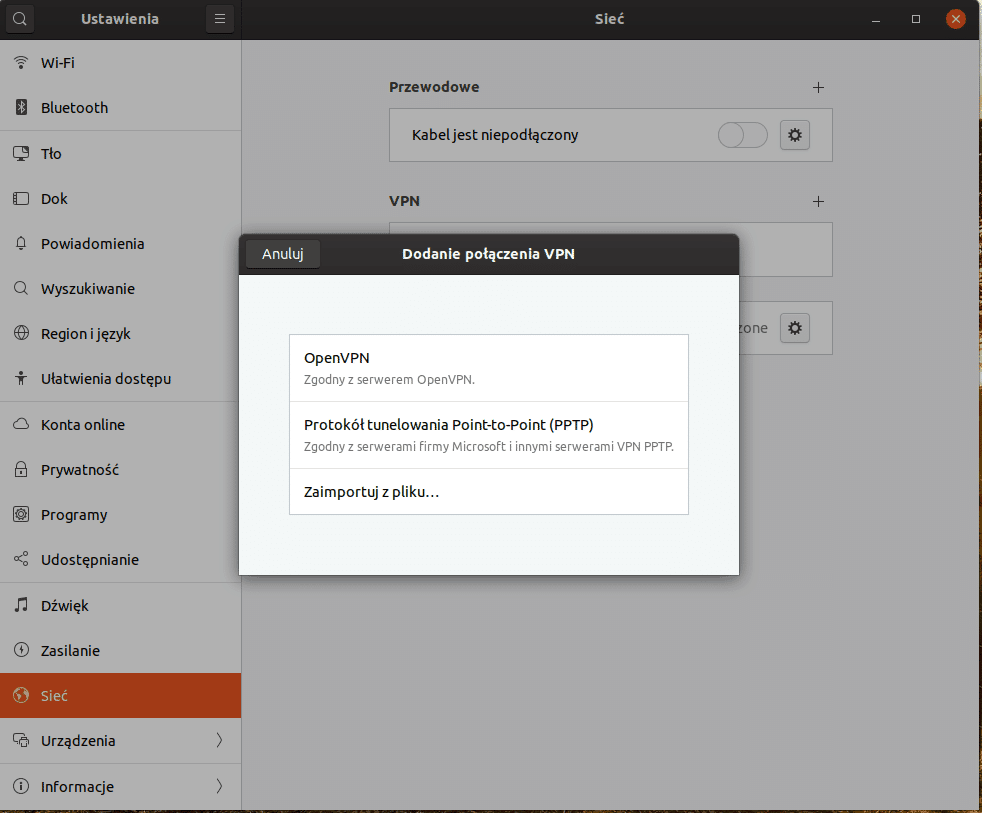
Installation in Ubuntu is very simple VPNa, because NetworkManager natively manages OpenVPN. So you can import configuration files for our NetworkManager and create a VPN connection.
The reaction comes to fire the terminal and enter a command.
Let's get started
We run a terminal and issue the command:
1 | sudo apt install network-manager-openvpn network-manager-openvpn-gnome |
We reboot the computer and that's it 🙂
Now we can import without playing with the config vpna
 I
I
Related entries:
Installing Notepad ++ on Ubuntu
gconf-service gconf-service-backend gconf2-common libappindicator1 libc++1 libc++1-9 libc++abi1-9 libdbusmenu-gtk4 libgail-common libgail18 libgconf-2-4 libgtk2.0-0 libgtk2.0-bin libgtk2.0-commonAll-in-one voice and text chat for gamers
All-in-one voice and text chat for gamers that's free 20.04
Monitoring the server with Munin in Debian 10
Installing Icecast 2 Media Streaming Server Ubuntu 18.04
KeePass2 2.52 w Ubuntu 22.04





