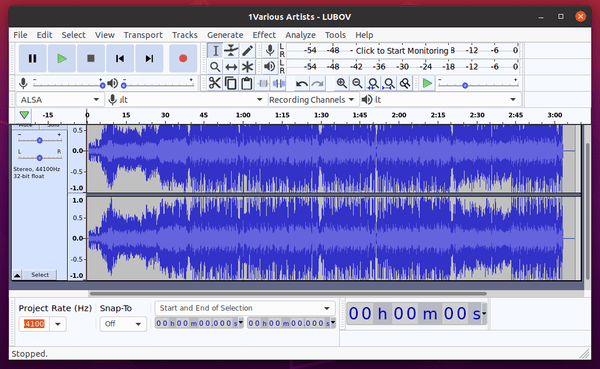
Install Audacity audio editor on Ubuntu 20.04
The following guide describes how to install Audacity on an Ubuntu System, we will do all this quickly by issuing several commands.
Audacity has been developed for many years, free recording program, analysis and non-linear audio editing with multi-track support and the ability to import MIDI.
At the beginning we add a repository to the system:
1 | sudo add-apt-repository ppa:ubuntuhandbook1/audacity |
We update the packages and install the program, that's all 🙂
1 | sudo apt update |
1 | sudo apt install audacity |






If it works…we will be lucky. Screenshot of the above commands, with lots of “warning” and “error” ominous :
You have a lot of outdated repositories, what is the information about after issuing the command to add repositories.
However, here you indicate that you do not want to install audiocity:
From all this log, it looks like audiocity has been installed.