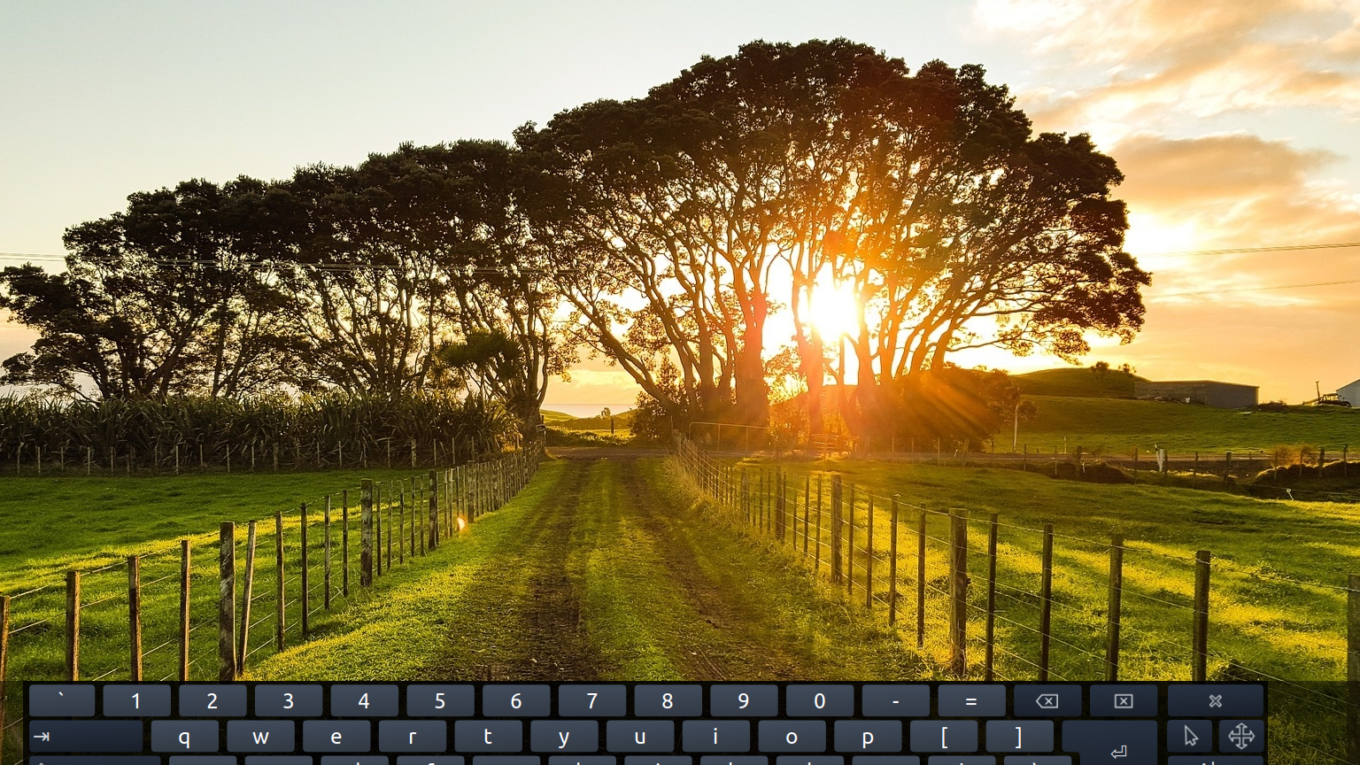
Installing the on-screen keyboard on Ubuntu systems / Debian / Linux Mint
The following tutorial describes how to install in a few seconds, the onscreen keyboard in Ubuntu systems / Debian / Linux Mint
Made by issuing a single command.
Open a terminal and issue the command:
1 | sudo apt-get install onboard |
That's all. Displaying all the programs we find there the onscreen keyboard.
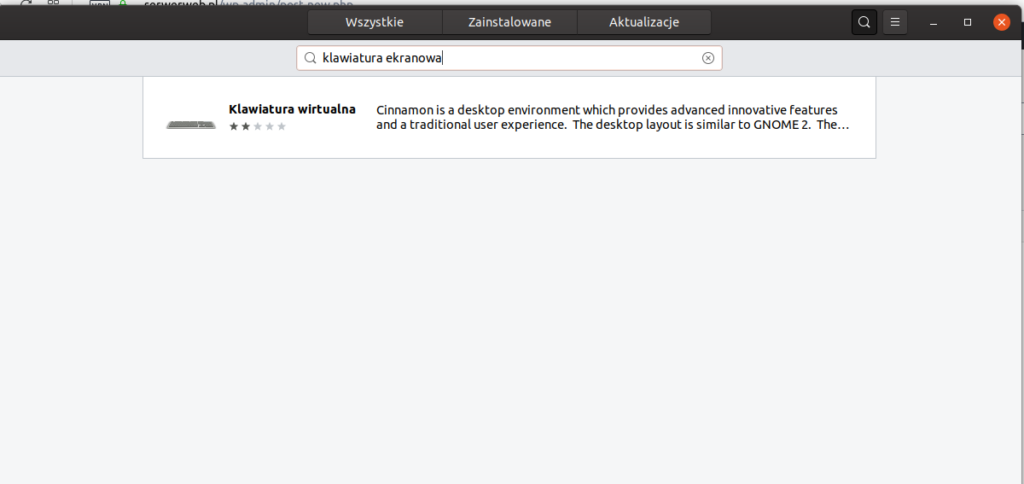
If someone does not feel up to it using the terminal can also perform the installation using the Software Center.
Just type in a search engine : Screen keyboard
Related entries:
Management from the SSH WordPress WP- CLI Installation
Disabling package updates from Yum in Centos and AlmaLinux
Run SFTP without shell access on Ubuntu 20.04
dl.winehq.org/wine-builds/winehq.key 7.1 dl.winehq.org/wine-builds/winehq.key 20.04
Full installation of Linux LAMP server, Apache, MySql, PHP Debian 9






Thanks for the instruction!
I already had it installed, just did not know the 'onboard' command.
Interesting how to enter a command without any keyboard and of course no on-screen?