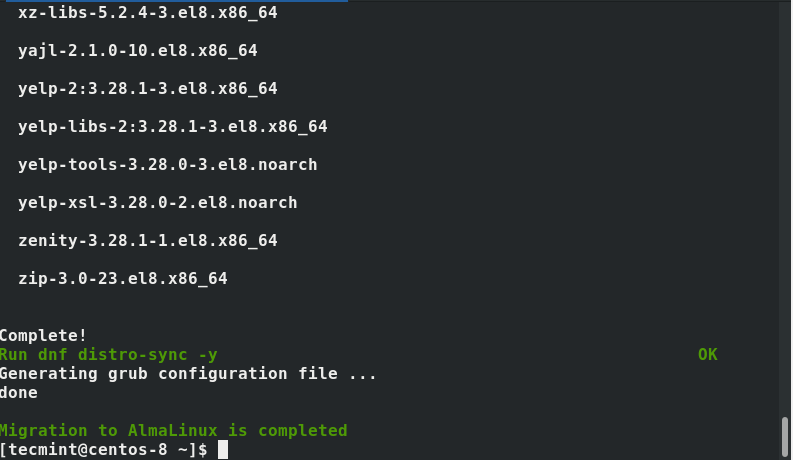
Migration from Centosa 8 do AlmaLinux 8.5
Support for Centos8 is ending soon
Below is a very simple guide on how to migrate to AlmaLinux and continue to enjoy the support.
First, we download the installation script:
1 | curl -O https://raw.githubusercontent.com/AlmaLinux/almalinux-deploy/master/almalinux-deploy.sh |
We give permission:
1 | chmod +x almalinux-deploy.sh |
The last step is to run the script that will do everything for us:
1 | sudo bash almalinux-deploy.sh |
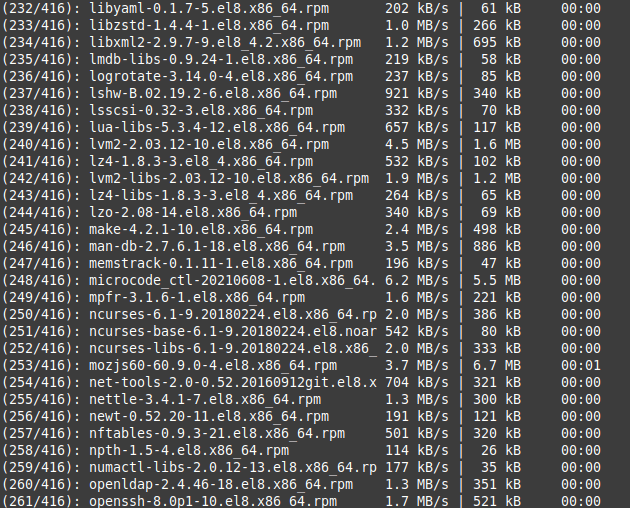
The script will perform a full reconfiguration with package updates:
After all, we will be informed accordingly, the only thing left for us to do is restart the system.