
Installing the Codec Audio / Video / Fonts in Ubuntu 19.10
The following very simple command so that you install any additional codecs Audio, Video and fonts.
Let's get started.
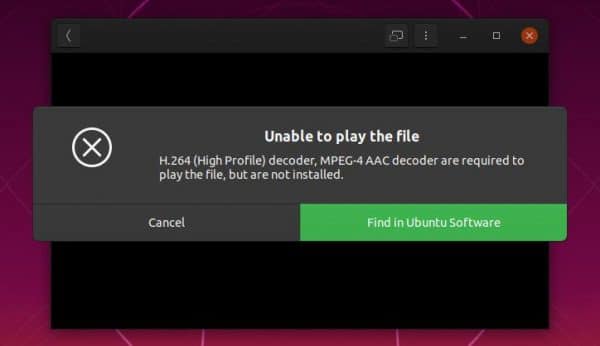
The whole issue comes down to the command console:
1 | sudo apt install ubuntu-restricted-extras |
Related entries:
RoundCube logo change
Installation of CyberPanel in the AlmaLinux system 8
Qmmp an alternative to Winamp on Linux
gconf-service gconf-service-backend gconf2-common libappindicator1 libc++1 libc++1-9 libc++abi1-9 libdbusmenu-gtk4 libgail-common libgail18 libgconf-2-4 libgtk2.0-0 libgtk2.0-bin libgtk2.0-commonAll-in-one voice and text chat for gamers
All-in-one voice and text chat for gamers that's free 20.04
iftop - monitoring network connections in real time






sudo apt install ubuntu-restricted-extras
E: The package ubuntu-restricted-extras could not be found
In the Other Software section, check additional Ubuntu repositories.