DirectAdmin CustomBuild GUI Plugin Updating packages without console
The following guide describes how to install the CustomBuild Gui Plugin, thanks to which we will be able to update packages on the server without using the console. We will do everything in a few simple steps
We can install it in two ways.
- From the directadmin panel ( administrator account)
- From the ssh console.
To install the given plugin from the directadmin level, log in to the panel and then go to plug-in management, then add from the url and enter the url and administrator password:
1 | http://www.custombuild.eu/plugin/custombuild.tar.gz |
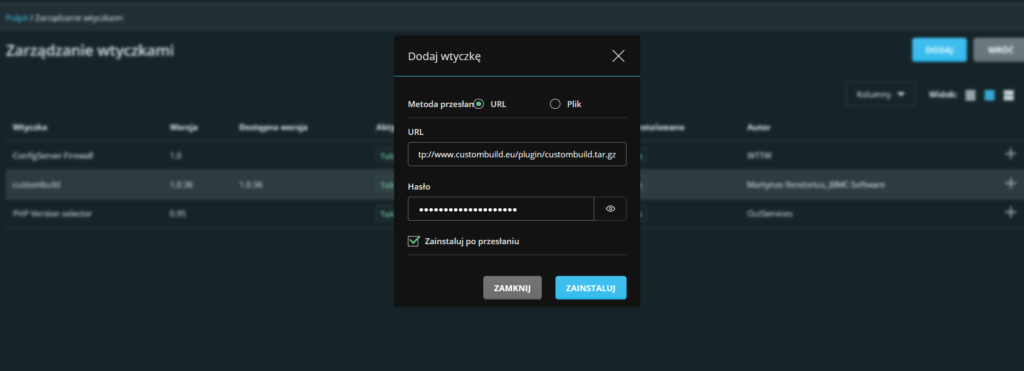
Click Install.
The second option is to install with ssh.
We log into the root console and issue the following commands:
1 2 3 4 5 6 7 | mkdir /usr/local/directadmin/plugins/custombuild chown diradmin:diradmin /usr/local/directadmin/plugins/custombuild cd /usr/local/directadmin/plugins/custombuild wget http://www.custombuild.eu/plugin/custombuild.tar.gz tar -zxvf custombuild.tar.gz cd scripts sh install.sh |
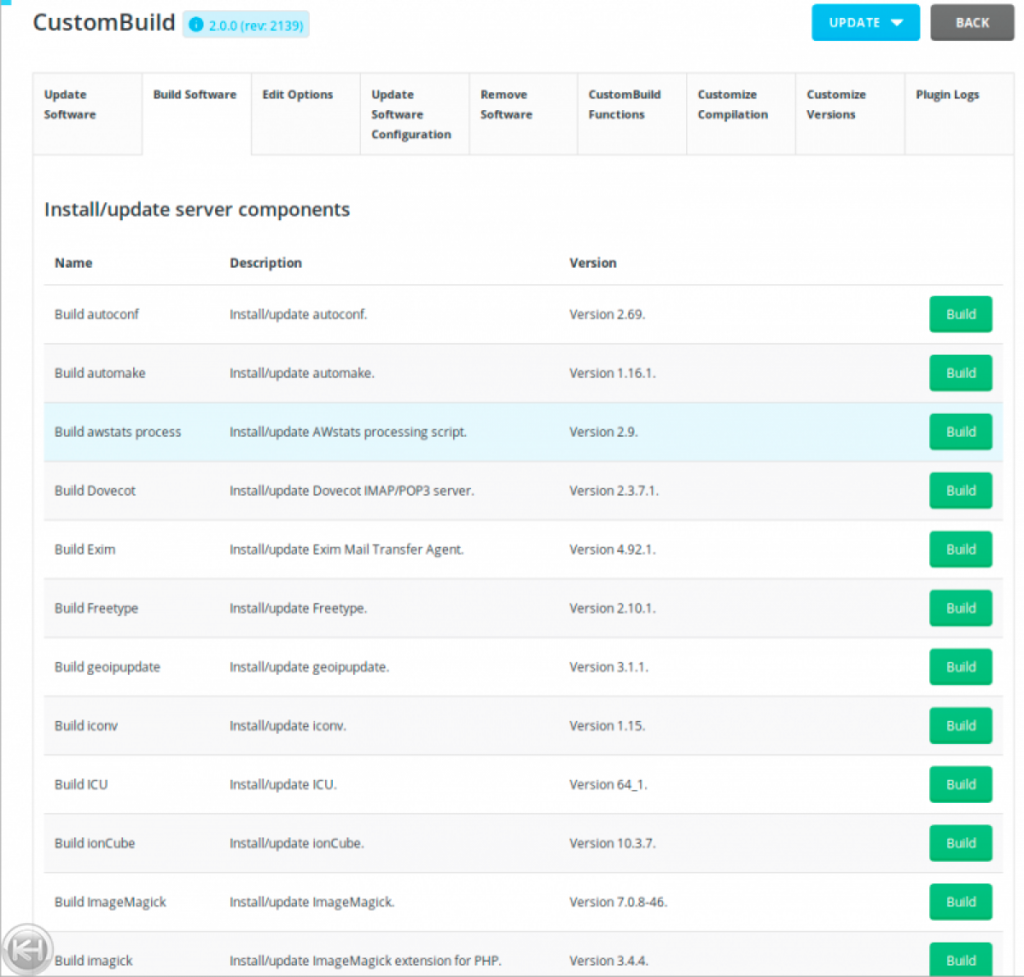
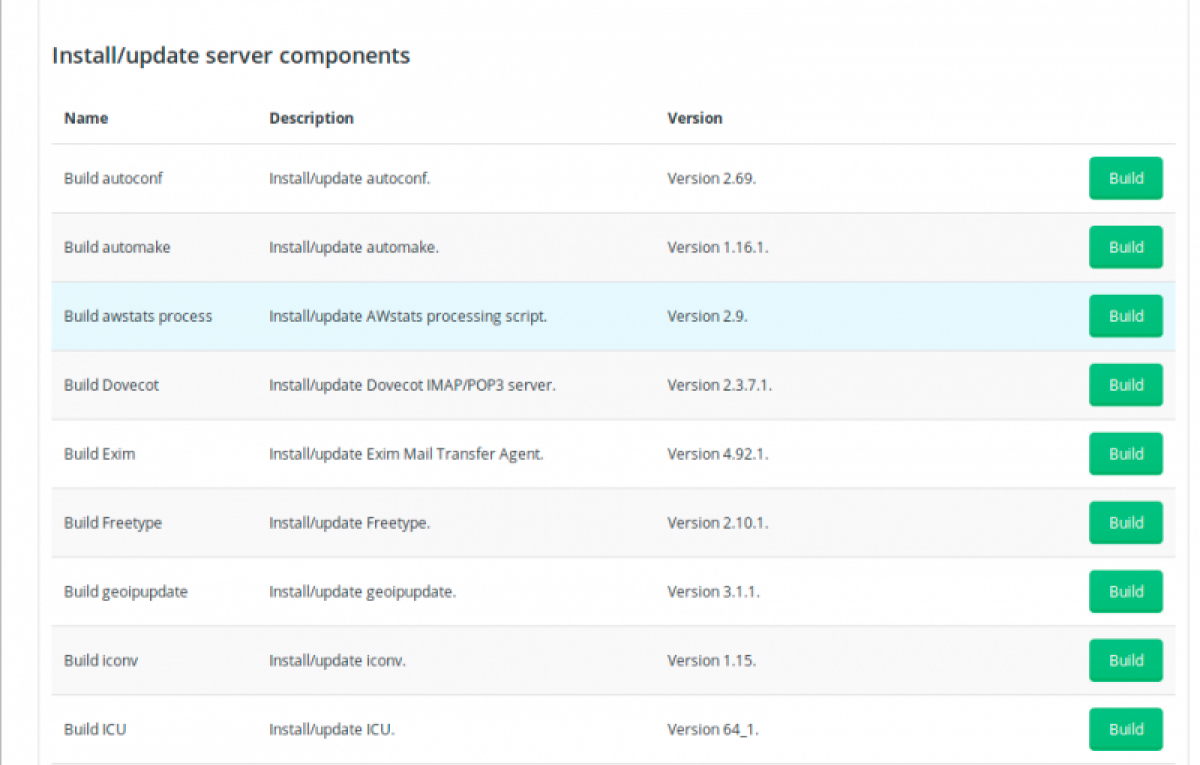
That's all in the directadmin panel we have the CustomBuild position and we can update packages: