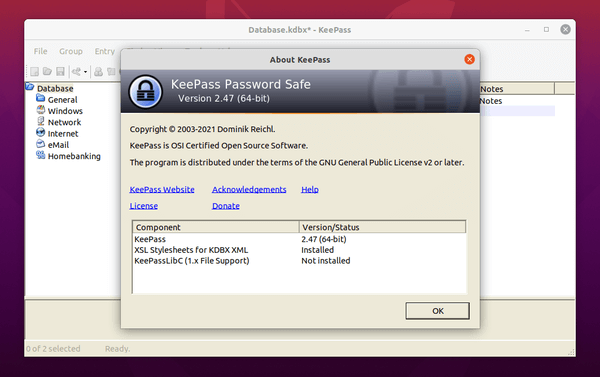
Installing KeePass in Ubuntu
The guide below describes how to install KeePass on Ubuntu. We will do the whole thing with a few commands in the console.
We start the terminal and add the repository to the system:
1 | sudo add-apt-repository ppa:ubuntuhandbook1/keepass2 |
We update packages:
1 | sudo apt update |
The last step is the installation that we will make by issuing the command:
1 | sudo apt install keepass2 |
That's it 🙂






Kepass w 2021 year? For a long time, there have been much better forks and native forks, e.g. keepassxc. Why do you recommend the poor version, which is run by wine or mono run there?
It is not run by wine.
Everyone prefers something different, for this there was a method of installing such a software.
If you want to share something else, we will gladly accept the guide and publish it.