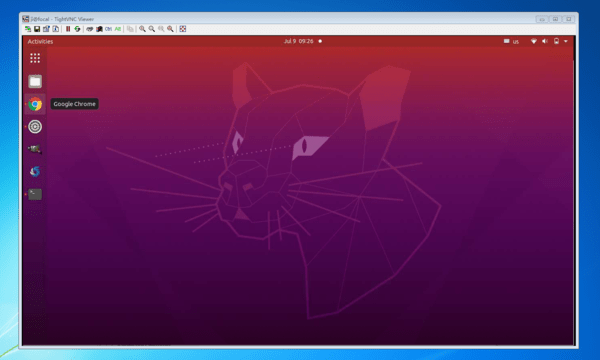
Launch of remote desktop in Ubuntu 20.04
Today's guide describes how to run a remote desktop in Ubuntu 20.04.
As it turns out, it is built into the system, just turn it on.
Made in seconds.
We go to settings and choose sharing:
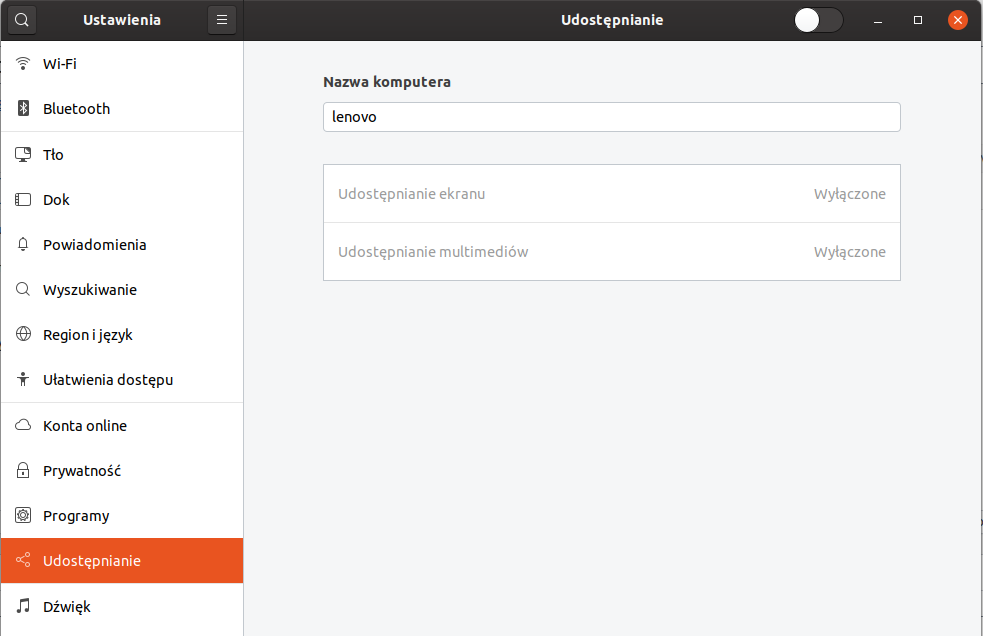
at the top right we run to make the options available:
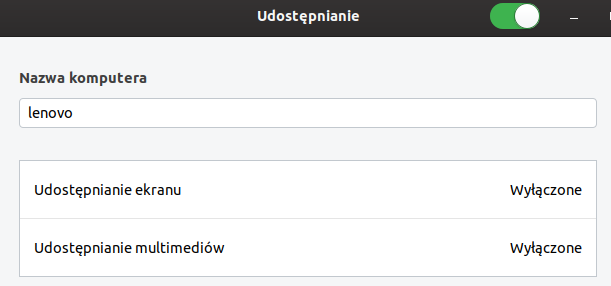
We choose what to provide by clicking on the name and configuring:
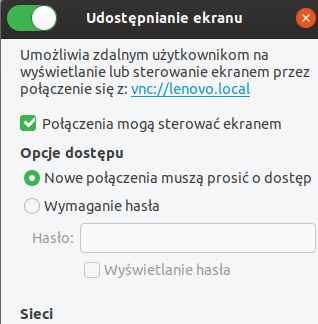
That's all we can connect to our desktop via vnc. I use Remmin for this





