Improved battery life in Ubuntu 20.04
By default, Ubuntu does not have any power management plan in our battery.
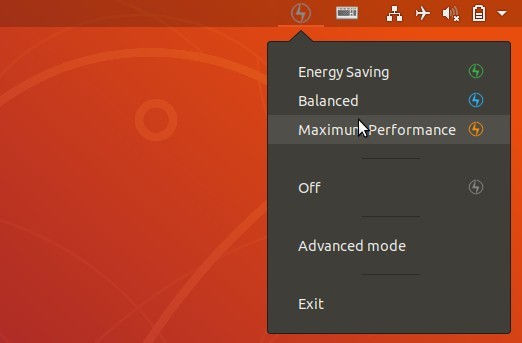
The following guide describes the installation of the program so that we can extend the battery life of our laptop and adjust the mode to each other.
We start our terminal and add a repository to the system:
1 | sudo add-apt-repository ppa:slimbook/slimbook |
The next step is to update the repositories
1 | sudo apt update |
And the last installation of the program itself:
1 | sudo apt install slimbookbattery |
We manage everything in graphic mode from the menu bar.