So balenaEtcher trouble recording the ISO on Linux
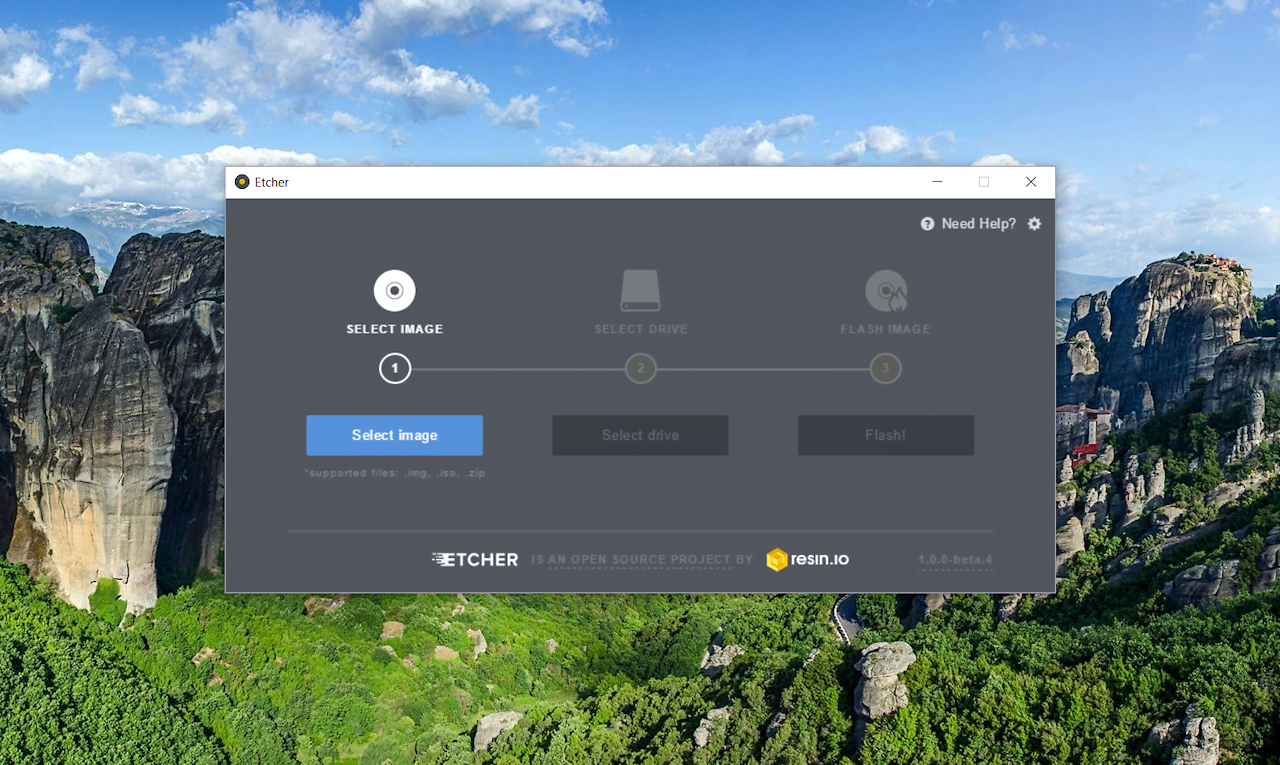
balenaEtcher This is a very simple program for flawless recording images iso. It works both on Windows, which is a very nice alternative to Rufus, And it is available on Linux.
Today, I describe how to install on Ubuntu.
For starters, add repozytorum
1 | echo "deb https://deb.etcher.io stable etcher" | sudo tee /etc/apt/sources.list.d/balena-etcher.list |
and the key:
1 | sudo apt-key adv --keyserver keyserver.ubuntu.com --recv-keys 379CE192D401AB61 |
The last step is the installation:
1 | sudo apt update && sudo apt install balena-etcher-electron |
That's all.
The program is not complicated and is limited to inserting a flash drive and selecting iso 🙂





