
SFTP Client Installation in Ubuntu alternative to WinSCP
Below a very simple way to install SFTP client a very interesting alternative to Windows' WinSCP.
The program is very simple and yet very functional whole is already in the repository SNAP.
We easiest in the world to go a menageru Ubuntu Software and realize it will search.
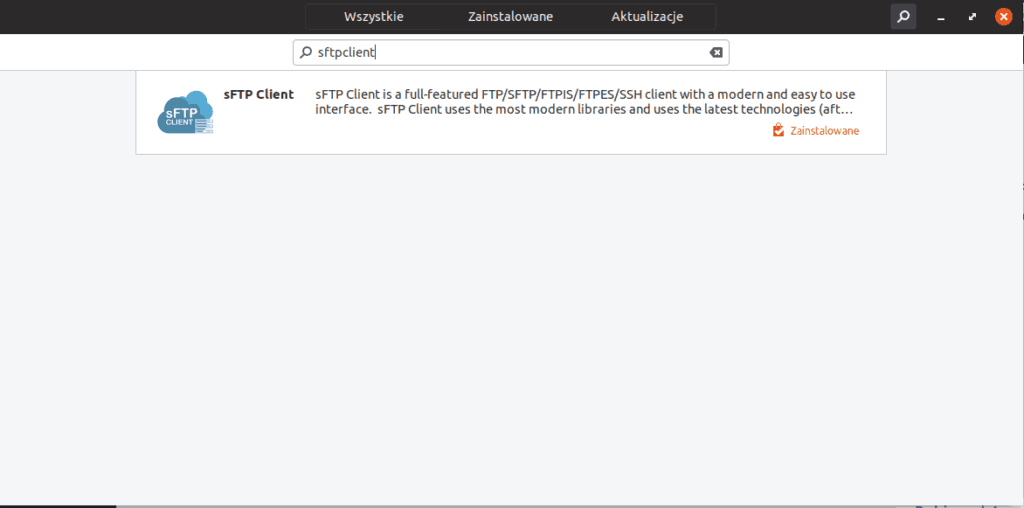
Installation is trivial, click the button next

Installation using the SNAP can perform by issuing the command console:
1 | snap install sftpclient |
The customer has a mass function you can create an account to manage your data and keys as well as we can import data from filezilla.
The authors':
https://www.sftpclient.io






Paid, 2h free trial.
Which does not change the meaning that it is a great tool 🙂