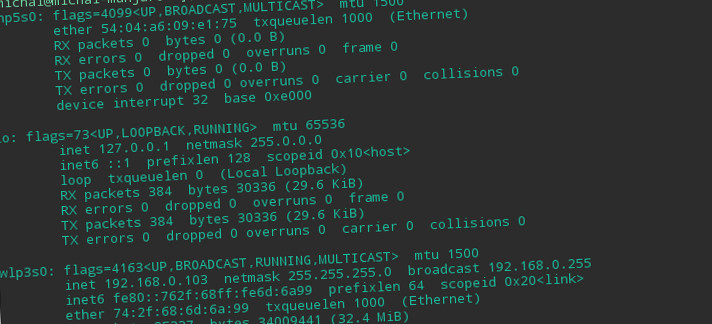
ifconfig: comando non trovato soluzione in Ubuntu / Debian / centos
Di seguito è riportata una soluzione al problema ifconfig: comando non trovato. Ci possono essere momenti in cui gli strumenti di rete non sono installati, ad es.. ifconfig, arp, netstat, rarp o percorso:
1 2 3 4 5 | -bash: ifconfig: command not found -bash: arp: command not found -bash: netstat: command not found -bash: rarp: command not found -bash: route: command not found |
Riparazione!
Ubuntu / Debian:
Eseguiamo il terminale e installiamo il pacchetto:
1 | sudo apt-get update |
1 | sudo apt-get install net-tools |
CentOS / Cappello rosso:
Eseguiamo il terminale e installiamo il pacchetto:
1 | sudo dnf install net-tools |
1 | sudo yum install net-tools |





