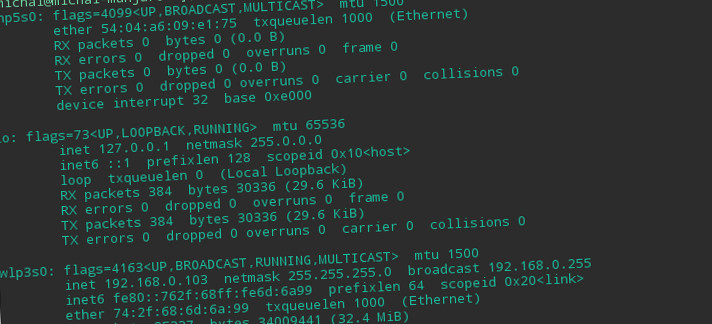
ifconfig: Befehl nicht Lösung in Ubuntu gefunden / Debian / Centos
Unten finden Sie eine Lösung für das ifconfig-Problem: Befehl nicht gefunden. Es kann vorkommen, dass Netzwerktools nicht installiert sind, d. h.. ifconfig, Arp, Nettostat, rarp oder route:
1 2 3 4 5 | -bash: ifconfig: command not found -bash: arp: command not found -bash: netstat: command not found -bash: rarp: command not found -bash: route: command not found |
Reparatur!
Ubuntu / Debian:
Wir führen das Terminal aus und installieren das Paket:
1 | sudo apt-get update |
1 | sudo apt-get install net-tools |
CentOS / Roter Hut:
Wir führen das Terminal aus und installieren das Paket:
1 | sudo dnf install net-tools |
1 | sudo yum install net-tools |





